
POS & in-store
Turn any device into a powerful Point of Sale and Business Management Tool
With Kejabii, transform your mobile or tablet into a complete retail management system. Effortlessly manage sales, track inventory, handle invoicing, and access customer data — all from a single, cloud-based app designed to help your business run smarter and grow faster.
No hardware to buy · Works offline · Same products as your online store
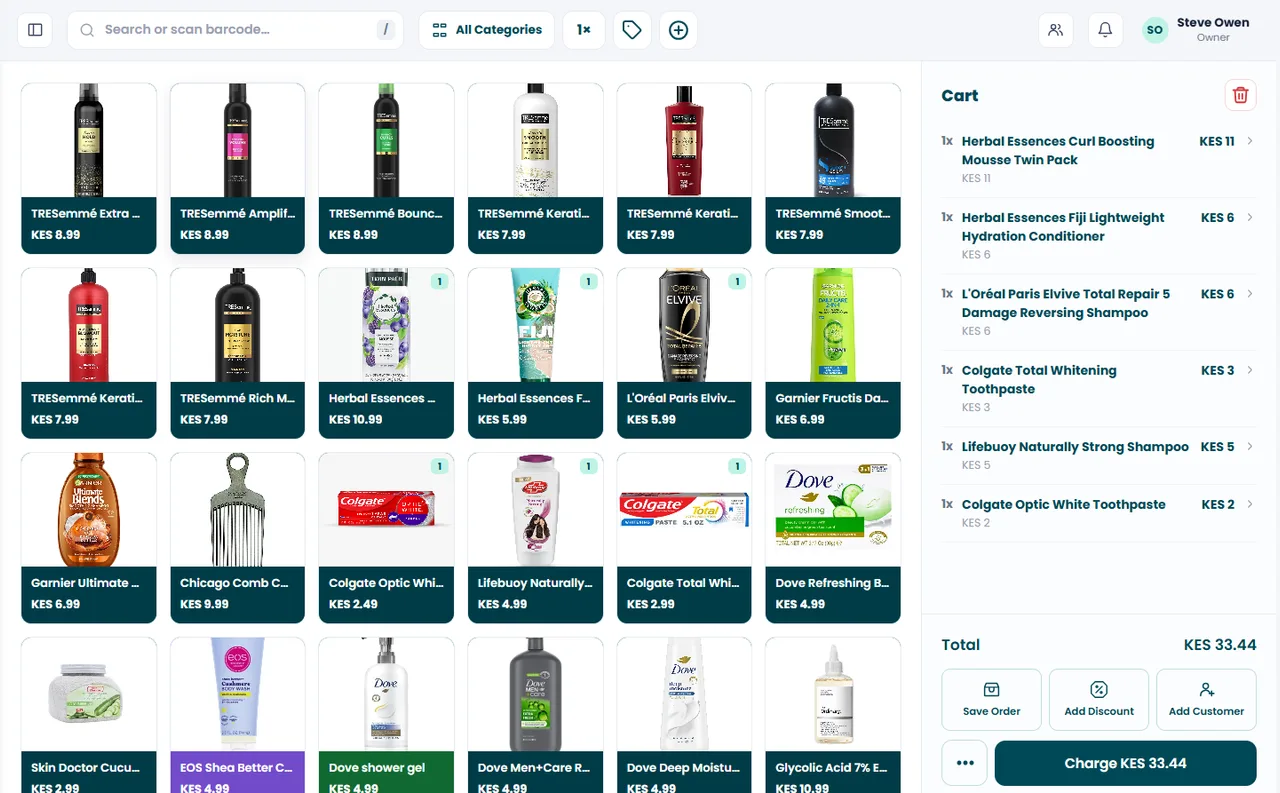
A typical day at the counter
Unlock the phone, open Kejabii, and the till is ready. Yesterday's numbers are already there.
Scan or search, take cash or mobile money, send the receipt. The next person is already being served.
Find the sale, refund the line, and the stock goes back on the shelf in the same count.
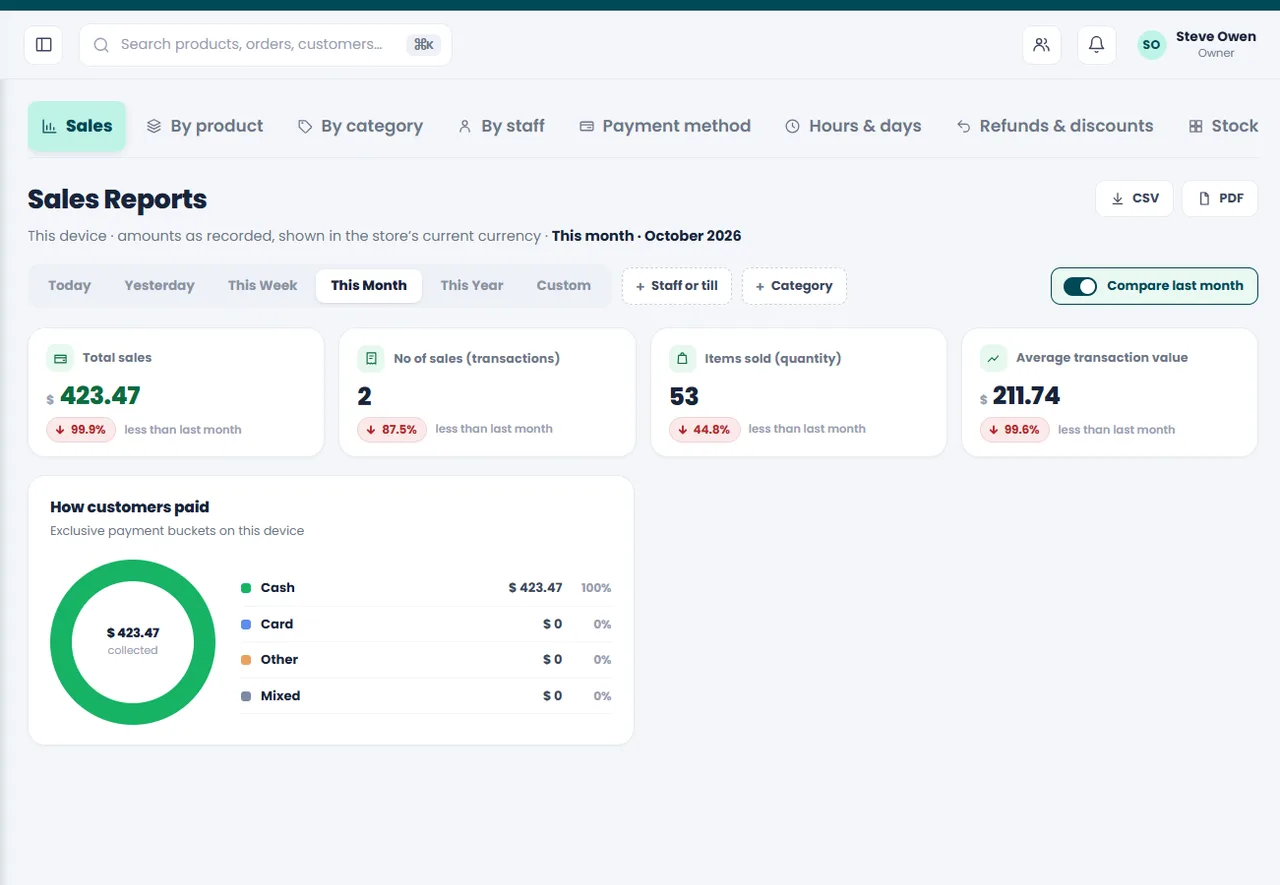
Sales by payment method, what moved, who sold what. No notebook to add up.
When the internet drops, the till carries on. Sales, receipts and stock changes queue on the device and sync the moment you are back online.
More than just a POS - Empowering your business to GROW
Whether you want more sales, more customers, or more efficiency, Kejabii provides the tools to help your business achieve more every day.

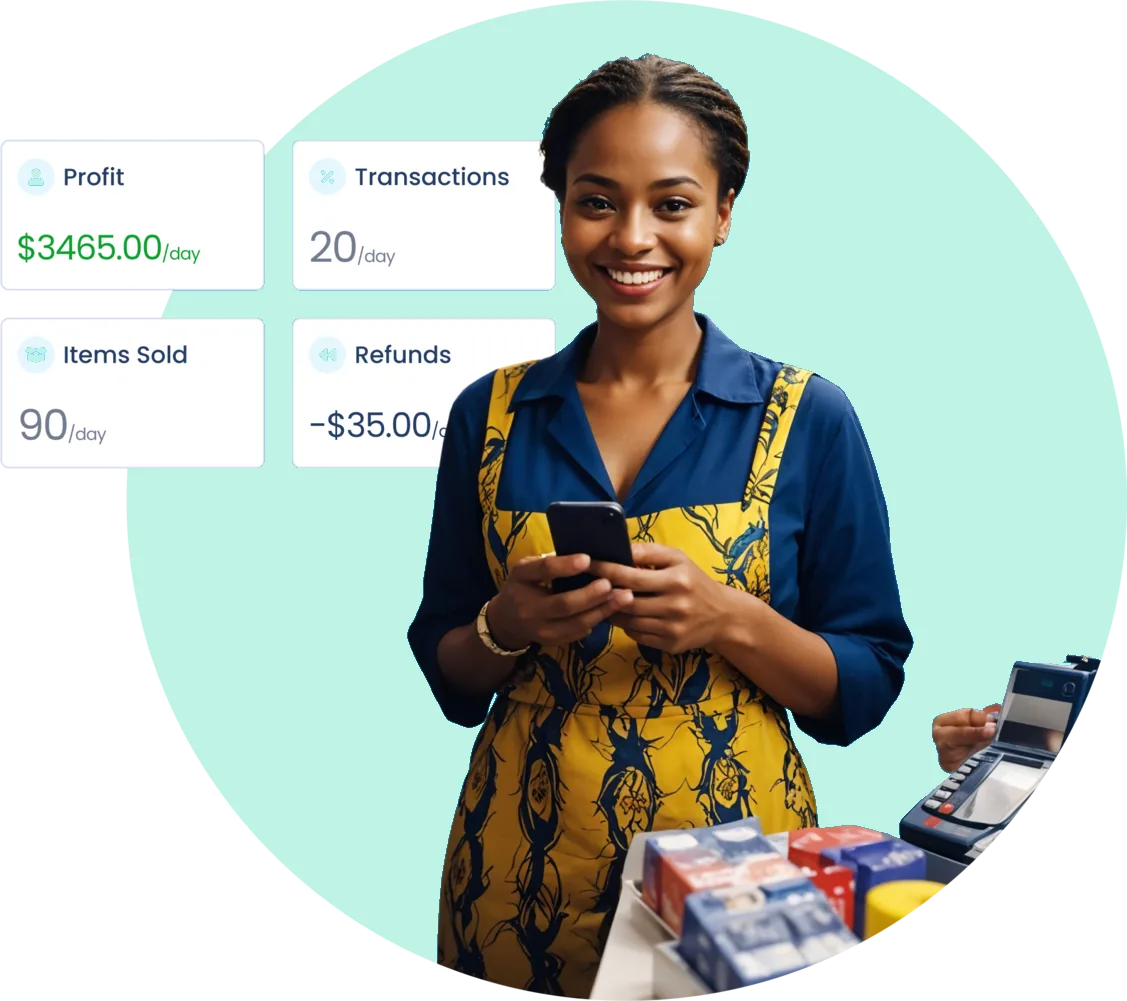
What you get
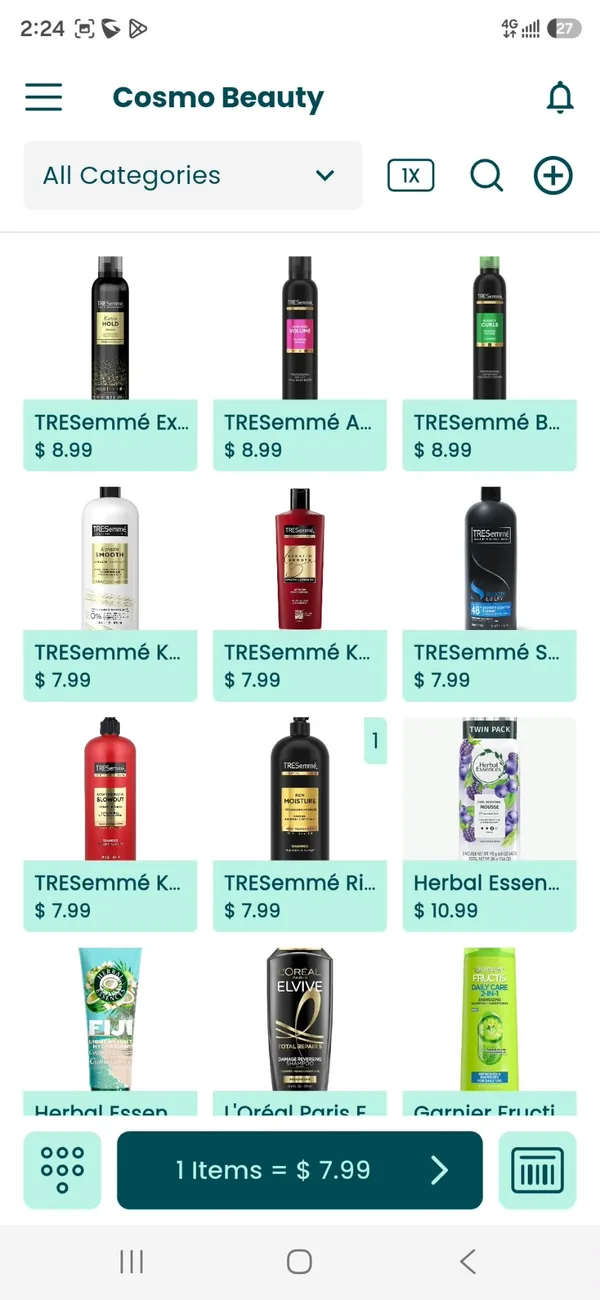
A full till, without the till hardware
Fast at the counter
Search a name or scan a barcode, add to the cart and take payment in a few taps. No training day needed.
No hardware to buy
The till runs on the phone or tablet you already own. Add a receipt printer or scanner later if you want one.
Works when the internet drops
Keep selling offline. Sales queue on the device and sync as soon as you have signal again.
Receipts printed or sent
Print to a receipt printer, or send a PDF by WhatsApp or SMS while the customer is still standing there.
Discounts and split payments
Knock money off a line or the whole cart, and split one sale across cash and mobile money when a customer needs to.
Saved and table orders
Park a cart and come back to it, or run tabs by table if you serve food and drink.
Staff with their own logins
Give each person the access they need and see who sold what at the end of the day.
Returns and refunds
Find the sale, refund the item and the stock goes back on the shelf where it belongs.
Customer Management
Manage customer profiles and track their insights.
In-Depth Reporting
Access detailed reports for better decision-making.
At the counter
A sale takes three taps
Scan the barcode or tap the product. Change the quantity or add a discount if you need to.
Cash, mobile money or card — or a split across two of them. Change is worked out for you.
Print it or send it by WhatsApp. Stock and reports are already updated.
Getting paid
Take payment however the customer pays
Enter what the customer hands over and the change is calculated for you.
Take mobile wallet payments at the counter and match them to the sale.
Card payments alongside everything else, recorded against the same sale.
Half in cash, half on a wallet — one sale, one receipt, one record.
One set of numbers
Every counter sale counts itself
The till, your stock book and your online store share one catalogue. Sell the last one at the counter and it comes off the shelf online too — no evening spent reconciling two sets of figures.
Add a product once and it is on the till and in the online store, at the same price.
Counter sales, online orders and returns all move the same number.
Sales by product, staff and payment method, ready whenever you want to look.
For your customers
Shorter queues, and a receipt they can keep
Small things at the counter decide whether someone comes back. A quick sale, the right price and proof of purchase they still have next week.
Shorter queues
A sale closes in seconds, so the person at the back of the line does not walk out.
One price everywhere
What the shelf says, what the till charges and what the online store shows are the same number.
A receipt they can keep
Sent by WhatsApp or SMS, or printed — whichever the customer prefers.
Fewer disappointments
Accurate stock means nobody is promised something that ran out this morning.

Questions
Before you start
No. The app is the till. If you already have a receipt printer or barcode scanner you can connect it, but nothing is required to start.
You carry on selling. Sales are stored on the device and sync automatically once you are back online.
Yes. Each staff member signs in on their own device with their own permissions, and sales are recorded against them.
One catalogue and one stock count sit behind both, so a counter sale updates your online store immediately.
Find the sale in the app, refund the whole thing or a single item, and the stock goes back automatically.
What other customers are saying
Service is faster at the counter because the phone is the till. At closing time the day's total is already there, no counting slips.